How To Manage Security Across Multiple Business Locations In Bermuda
Managing security at one business property can be challenging. When an organisation operates from several offices, stores, warehouses or other sites, maintaining control becomes considerably more complex.
Each location may have different opening hours, staffing arrangements, access points and levels of risk. Without a joined-up approach, managers can find themselves dealing with separate alarm systems, individual camera platforms, large numbers of physical keys and inconsistent security procedures.
Modern commercial security technology can make this easier by bringing video surveillance, access control, alarms and reporting together. This gives authorised managers greater visibility across every location and helps businesses maintain consistent standards throughout their organisation.
In this guide, we explain how Bermuda businesses can manage security across multiple properties and plan a system that supports future growth.
Quick Answer
The most effective way to manage security across multiple business locations is to use centrally managed systems for access control, video surveillance and intrusion detection. This allows authorised users to monitor sites, update permissions, review incidents and respond to alerts without managing each property entirely separately.
Why Multiple Locations Create Additional Security Challenges
As a business expands, its security arrangements often grow gradually. A new office may receive a different alarm system, another location may use separate cameras and each site may develop its own way of managing keys and visitors.
This can result in fragmented systems that are difficult to oversee.
Common challenges include:
- Different security procedures at each location
- Too many keys, cards or alarm codes to manage
- Limited visibility outside normal working hours
- Difficulty removing access when an employee leaves
- Separate CCTV systems that require individual logins
- Inconsistent maintenance and record keeping
- Delays in identifying incidents
A coordinated commercial security system can help businesses replace this fragmented approach with technology that is easier to manage.
Start With A Security Assessment Of Every Site
Before choosing technology, it is important to understand how each property is used.
A retail store, corporate office, storage facility and hospitality venue may all require different levels of protection. Even two similar locations may have different entrances, staffing patterns or vulnerable areas.
A security assessment should consider:
- Public and staff entrances
- Emergency exits
- Areas containing valuable stock or equipment
- Rooms holding confidential information
- Vehicle and delivery access
- Opening and closing procedures
- Contractor and visitor access
- Existing alarms, cameras and locks
The goal is not necessarily to make every site identical. It is to establish a consistent security standard while allowing each system to reflect the individual property.
Manage Employee Access From One System
Traditional keys become increasingly difficult to manage as a business grows.
Keys may be copied, misplaced or retained by former employees. If one goes missing, a business may need to replace locks and distribute new keys to several people.
Electronic access control provides a more flexible alternative. Employees can be issued cards, tags, codes or other credentials that give them access only to approved areas.
Permissions can be based on:
- The employee’s role
- The location where they work
- Specific doors or restricted rooms
- Days of the week
- Approved working hours
- Temporary access requirements
When someone changes role or leaves the organisation, their access can be amended or removed without replacing physical locks.
For multi-site organisations, central management means authorised personnel can oversee access rights across several properties rather than maintaining unrelated systems and key records at each one.
Use Access Records To Improve Accountability
Access control is not only about preventing unauthorised entry. It can also create a record of activity.
Depending on the system, managers may be able to review when a credential was used, which door was accessed and whether entry was attempted outside approved hours.
This information can support investigations, improve opening and closing procedures and help identify credentials that are being used unexpectedly.
Access records must be handled responsibly and in accordance with the organisation’s policies, but they can provide useful operational information when an incident occurs.
View Cameras Across Different Properties
Video surveillance provides valuable visibility, but operating multiple independent CCTV systems can be frustrating.
Managers may need different applications, passwords and recording devices for each site. Footage may also be stored locally, meaning someone has to visit the property to retrieve it.
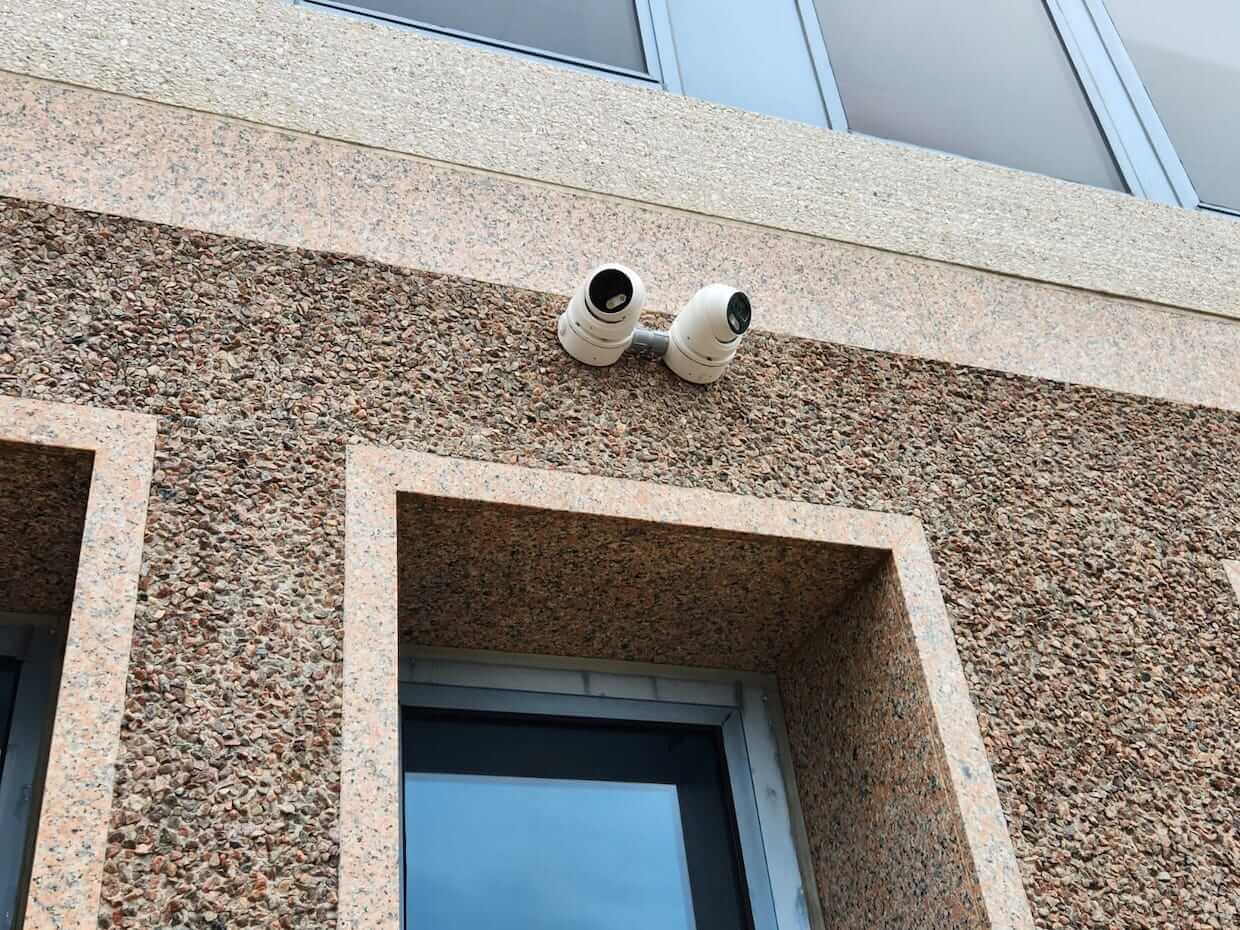
A professionally designed commercial video surveillance system can give authorised users access to cameras across several locations through a more centralised interface.
This can allow managers to:
- View live cameras at multiple properties
- Review recorded footage
- Check whether a site opened or closed correctly
- Investigate reported incidents
- Monitor delivery and loading areas
- Confirm whether an alarm requires further action
Remote access is especially valuable when senior managers are not based at every site or are travelling away from Bermuda.
Choose The Right Camera Coverage
Installing a large number of cameras does not automatically create an effective system.
Camera position, image quality, lighting, recording capacity and the area being viewed are all important.
Priority locations may include:
- Main entrances and exits
- Reception areas
- Cash-handling points
- Stockrooms and warehouses
- Loading bays
- Car parks
- Restricted internal areas
- External boundaries
Each camera should have a clear purpose. For example, one camera may provide an overview of an area while another captures sufficient detail around an entrance.
A professional survey helps identify the appropriate equipment and coverage for each property.
Use Cloud-Based Technology For Central Management
Cloud-based security systems can simplify multi-site management by allowing authorised users to access information through an internet-connected platform.
Depending on the solution, cloud technology may support video surveillance, access control, system health information, event records and user management.
Potential benefits include:
- Remote access from compatible devices
- Centralised management of several locations
- Reduced dependence on individual on-site recorders
- Easier software updates
- Scalable storage and user options
- Simpler management when new locations are added
Selectron’s cloud video surveillance solutions can help businesses access and manage security footage remotely.
Cloud systems still require careful configuration, secure login practices and appropriate user permissions. Access should be limited to people who genuinely need it, and accounts should be reviewed regularly.
Coordinate Intruder Alarms Across All Sites
Every business property should have an alarm system designed around its particular layout and risks.
However, the way alarms are managed can be kept consistent across the organisation.
Businesses should establish clear procedures covering:
- Who is responsible for arming each site
- Who receives alerts
- What happens after an alarm activation
- How alarm codes and users are managed
- Who can authorise system changes
- How faults are reported
Professionally installed commercial intruder alarms can help deter unauthorised entry and provide an early warning when protected areas are breached.
For larger organisations, integrating intrusion detection with access control and video surveillance can make alerts more useful. An alarm event may be supported by access records and camera footage, helping managers understand what happened more quickly.
Use Alerts Without Overwhelming Your Team
Security notifications are valuable, but too many unnecessary alerts can cause staff to stop treating them seriously.
A multi-site system should therefore be configured so the right people receive the right information.
For example:
- A site manager may receive routine opening and closing alerts
- A facilities manager may receive equipment or system fault notifications
- A senior manager may receive high-priority alerts across all locations
- An external monitoring service may handle alarm events outside business hours
Alert settings should be reviewed periodically. Changes to opening hours, staffing or business operations may mean that old rules are no longer appropriate.
Protect Against Fire And Environmental Risks
Business security involves more than theft and unauthorised access.
Fire, smoke, heat, carbon monoxide and unwanted water can all cause serious harm to people, stock, equipment and premises.
Commercial fire alarm systems should be selected according to the building, its use and the level of coverage required.
Businesses managing several properties should keep clear records for inspections, maintenance, reported faults and corrective work. A consistent process makes it easier to understand the condition of systems across the whole organisation.
Keep Security Standards Consistent
Technology is only part of a successful multi-site security strategy. Every location also needs clear procedures.
These may cover:
- Opening and closing checks
- Visitor and contractor management
- Lost access cards or credentials
- Delivery procedures
- Incident reporting
- Emergency contacts
- Access to restricted areas
- Reviewing camera footage
Staff should understand their responsibilities and know who to contact if a system develops a fault.
Regular training is important because employees change, businesses grow and procedures evolve.
Plan A System That Can Grow With Your Business
A system that suits two locations today may need to support five or ten in the future.
When planning commercial security, consider whether the platform can accommodate:
- Additional doors and access points
- More cameras
- New sites
- A larger number of users
- Different permission levels
- Integration with other building systems
- Additional reporting requirements
Selecting scalable technology can reduce the need to replace the entire system each time the organisation expands.
For example, Selectron’s Protege access control options include systems designed to extend as an organisation’s requirements change.
Review User Permissions Regularly
Access rights should never be treated as a one-time setup task.
Businesses should periodically check:
- Whether former employees have been removed
- Whether staff still need access to every assigned location
- Whether temporary contractor permissions have expired
- Whether administrators still require high-level access
- Whether shared accounts or codes are being used
Following a consistent joining, role-change and leaving process can prevent outdated permissions from accumulating.
Maintain Every Part Of The System
A multi-site system is only effective if the equipment continues to operate correctly.
Cameras can lose clarity, sensors can become obstructed, batteries can weaken and changes to a building may affect the original coverage.
Regular maintenance can identify problems before they leave a site unprotected.
Maintenance records should be stored centrally where possible, giving facilities or security managers a clear overview of:
- Inspection dates
- Reported faults
- Repair work
- Software or equipment updates
- Recommended improvements
- The person responsible for each action
Professional Multi-Site Security Solutions In Bermuda
Managing several business locations requires more than installing standalone equipment at each property.
The most effective systems combine appropriate local protection with central visibility and consistent procedures.
Selectron provides commercial security solutions across Bermuda, including access control, intruder alarms, video surveillance, cloud-based systems, fire alarms and building reports.
A professional assessment can identify where systems should be standardised, where each site needs a tailored approach and how the technology can support future growth.
Final Thoughts
As a business expands, security can quickly become harder to manage unless the systems are planned as part of a wider strategy.
Centralised access control, remote video surveillance, clear alert procedures and regular maintenance can help businesses maintain visibility across every location.
The aim is not simply to add more equipment. It is to create a connected system that gives authorised managers the information and control they need.
To discuss security across one or several Bermuda business properties, contact Selectron for professional advice and a quotation.
“

Selectron Ltd
At Selectron our solutions help you meet the increased challenges of today’s security and surveillance, enabling you to improve safety by reducing and preventing security breaches and accidents. Find out more about us >>